Slow internet means your web pages, videos, or downloads take a long time to load. It can happen because of weak WiFi signals, too many connected devices, or network problems. A slow connection can make online work, gaming, and streaming very frustrating.
Many people get annoyed when videos keep buffering or websites open very slowly. It feels even worse when you are in an important meeting or trying to study online. The good news is that you can solve many internet problems with a few easy steps at home.
In this guide, you will learn how to fix slow internet speed in simple ways. You will discover easy tips to improve your WiFi, check your router, and make your internet faster. These methods are beginner-friendly and do not require technical skills.
Common Reasons Behind Slow Internet
The slow internet can happen for many simple reasons. One common problem is too many devices using the same WiFi connection. Phones, TVs, laptops, and gaming consoles can all use the internet at the same time. This can make your speed slower than normal.
Another reason is a weak WiFi signal. Your router may be too far away from your device. Thick walls and furniture can also block the signal. Old routers may also struggle to provide fast internet speeds.
Sometimes the problem comes from background apps or downloads. Software updates and streaming apps can use a lot of internet without you noticing. Bad weather or issues from your internet provider can also slow down your connection for some time.
Easy Router Checks You Should Try
Your router plays a big role in internet speed. Start by restarting the router and modem. Turn them off for about 30 seconds and then switch them on again. This simple step can fix many small internet problems very quickly.
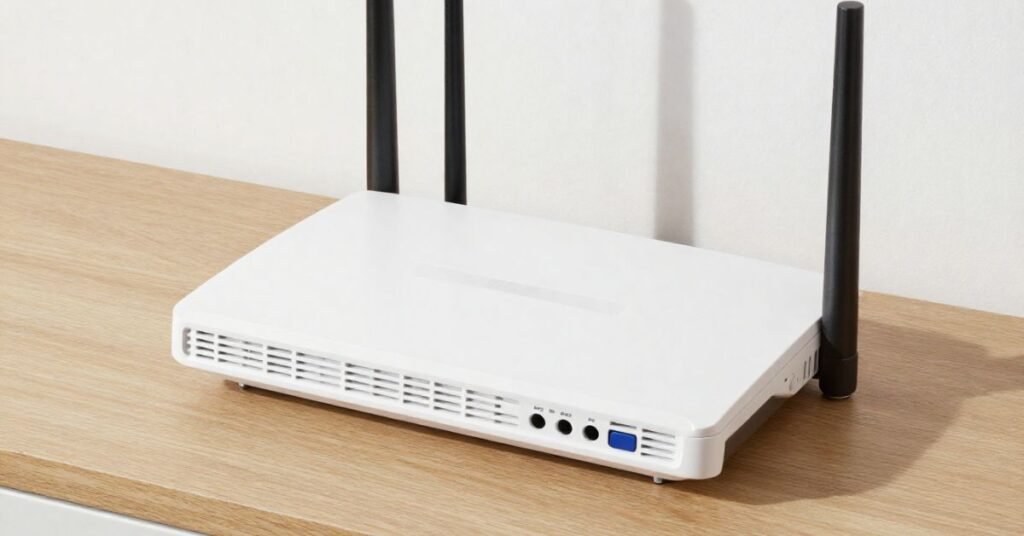
You should also check the router’s location in your home. Keep it in an open area and away from thick walls or electronic devices. You can also try these simple checks:
- Make sure all cables are connected properly
- Check if the router lights are working normally
- Move closer to the router for a stronger signal
- Update the router software if updates are available
- Disconnect devices that are not being used
Best Ways to Improve WiFi Signals
A strong WiFi signal helps your internet run faster and smoother. Try placing your router in the center of your home. This helps the signal reach every room more easily. Keep the router away from microwaves, TVs, and other electronic devices that may disturb the signal.
You can also improve WiFi by reducing the number of connected devices. Too many active devices can slow down the network. If your home is large, using a WiFi extender can help cover weak signal areas. Updating your router or changing the WiFi channel may also improve internet performance.
How to Fix Slow Internet at Home
You can fix slow internet at home by starting with simple steps. Restart your router and modem to refresh the connection. This often solves small network issues in just a few minutes. You should also place the router in an open and central area for better signal coverage.
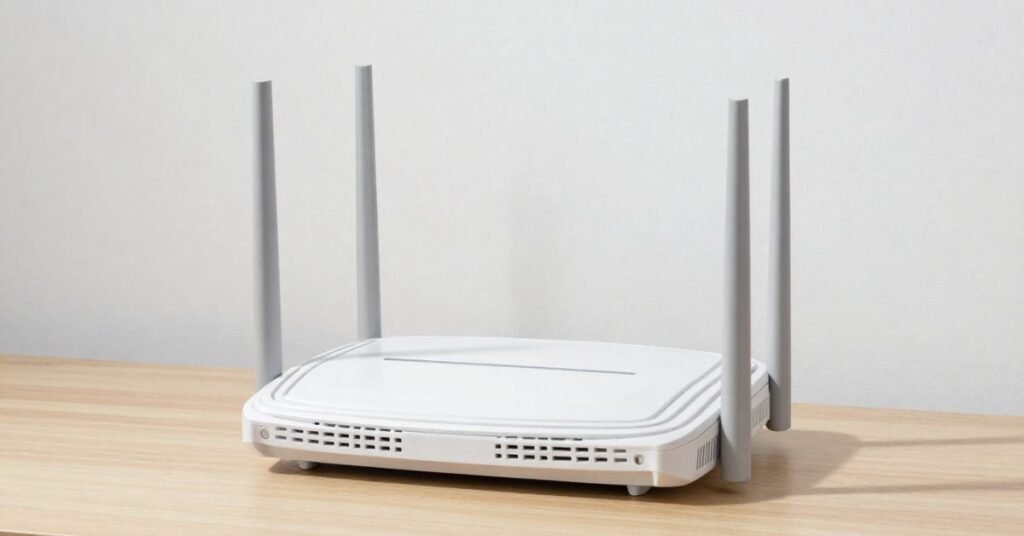
Another helpful step is checking how many devices are connected to your WiFi. Too many phones, laptops, or smart TVs can reduce internet speed. Disconnect devices that are not being used. Closing background apps and downloads can also make your connection faster.
You should also test your internet speed from time to time. If the speed is still very slow, contact your internet provider for help. Sometimes old routers or outdated internet plans can cause problems. Upgrading your equipment may improve your internet experience at home.
Devices That May Reduce Internet Speed
Many devices in your home can slow down your internet connection. Smart TVs, gaming consoles, tablets, and mobile phones all use WiFi at the same time. When too many devices are connected, the internet speed gets divided between them. This can make browsing and streaming much slower.
Devices that download large files or stream videos in high quality can also affect internet speed. Online games and video calls use a lot of data as well. Even background updates on laptops or phones can slow down the connection without you noticing it.
Old devices may also create internet problems. Some older phones or laptops cannot support fast WiFi speeds. Devices with viruses or unnecessary apps can use extra internet in the background. Disconnecting unused devices can help improve your internet performance quickly.
Simple Internet Speed Tips
Improving internet speed does not always require technical knowledge. Small changes at home can make your connection faster and more stable. You should regularly restart your router and keep your devices updated. Simple habits can help you enjoy smoother browsing and streaming.
It is also important to manage your connected devices wisely. Too many active devices can slow down your network. Using the right router location and limiting background downloads can improve performance. The table below shares some easy internet speed tips you can follow every day.
| Problem | Simple Tip | Benefit |
| Weak WiFi signal | Place the router in a central area | Better signal coverage |
| Slow browsing | Restart the router weekly | Refreshes the connection |
| Too many devices connected | Disconnect unused devices | Faster internet speed |
| Videos keep buffering | Lower video quality settings | Smoother streaming |
| Internet slows at night | Limit heavy downloads | Reduces network load |
| Old router problems | Upgrade to a newer router | Improved performance |
| Slow laptop connection | Close background apps | Frees internet usage |
| Weak signal in large homes | Use a WiFi extender | Covers more areas |
| Random internet drops | Check router cables | Stable connection |
| Outdated device software | Update devices regularly | Better speed and security |
| Slow gaming experience | Use a wired connection | Lower lag and delays |
| Public WiFi problems | Use a secure home network | Safer and faster browsing |
Mistakes That Can Slow Down Your Connection
Many people make small mistakes that reduce internet speed without knowing it. One common mistake is placing the router in a hidden corner or behind furniture. This can weaken the WiFi signal in different rooms. Not restarting the router for a long time can also create connection problems.

Another mistake is leaving too many apps and downloads running in the background. Large file downloads, automatic updates, and video streaming can use a lot of internet data. Using old routers or outdated devices may also slow down your connection. Ignoring router updates and weak passwords can affect both speed and security.
When You Should Contact Your Internet Provider
Sometimes internet problems cannot be fixed at home. If your internet stays slow even after restarting the router, it may be a bigger issue. You should contact your internet provider when the connection keeps dropping again and again. It can also be a provider-side network fault.
You should also call your provider if your internet speed is much lower than your plan. If there is no WiFi signal for a long time, it is another warning sign. Technical issues in your area or damaged lines may need professional help. The provider can check and fix the issue on their end.
Final Thoughts on Faster Internet Use
The fast internet makes daily life easier. It helps with work, study, gaming, and entertainment. Small changes at home can improve your speed a lot. You do not always need expensive upgrades or technical help.
To keep your internet fast and stable, follow simple habits every day:
- Restart your router regularly
- Keep your router in an open place
- Disconnect unused devices
- Close background apps
- Use updated devices and software
- Contact your provider when needed
Good internet use is about smart habits. If you take care of your network, you will enjoy smoother and faster browsing every day.
FAQs
1. Why is my internet so slow at home?
It can be slow due to weak WiFi, too many devices, or router issues. Sometimes your internet provider may also have network problems.
2. How can I quickly fix slow internet usage?
Restart your router and close unused apps. This often improves speed within minutes.
3. Does router location affect internet speed?
Yes, placing your router in a central, open area gives a stronger and faster signal.
4. Can too many devices slow down the internet?
Yes, multiple connected devices share the same speed, which can make the internet slower.
5. When should I call my internet provider?
Call them if your internet stays slow or keeps disconnecting even after basic fixes.
6. Do old routers affect internet speed?
Yes, older routers may not support high speeds and can reduce overall performance.
No Responses