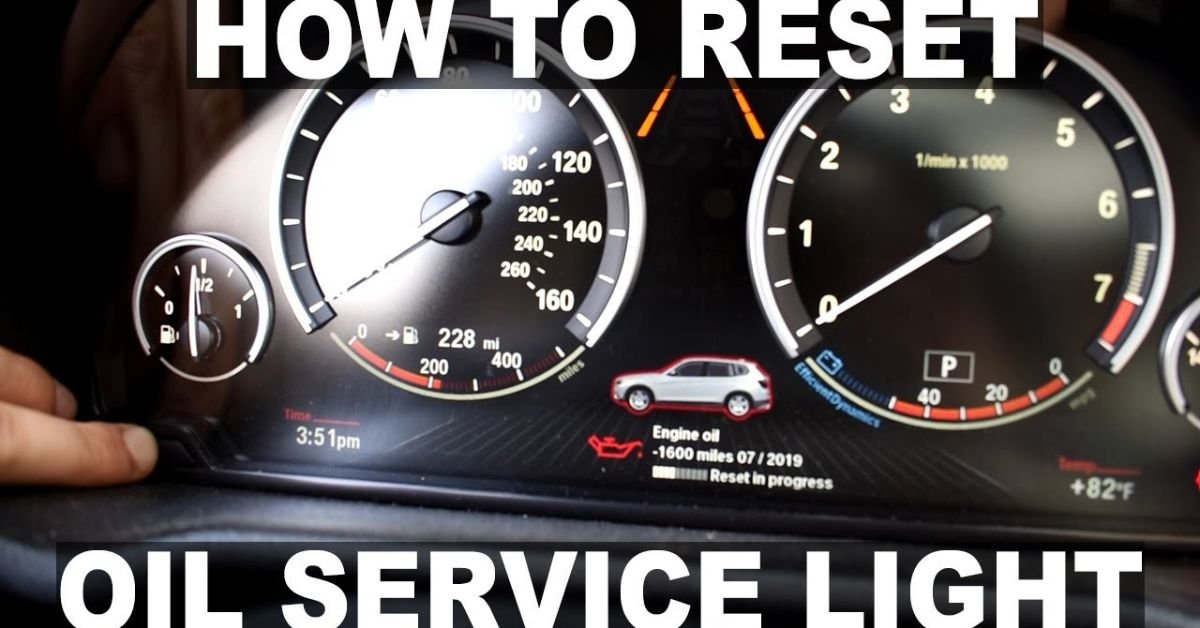
The oil light is a reminder that tells you when your vehicle needs maintenance. It often stays on after an oil change until it is manually reset. Learning how to reset the oil light helps keep your car’s maintenance system accurate and up to date.
Have you changed your car’s oil but the warning light is still showing? This can be confusing and make you think there is a problem with the engine. The good news is that, in many cases, the light can be reset in just a few simple steps.
Different vehicles use different reset methods. Some require a few button presses, while others use a menu on the dashboard. In this guide, you will learn easy steps to reset the oil light safely and correctly.
Basics
The oil light is part of your vehicle’s maintenance system. It reminds you when it is time for an oil change. This light helps you keep your engine in good condition.
After changing the oil, the reminder light may stay on. This does not always mean there is a problem. In many cases, the system simply needs to be reset.
Resetting the oil light clears the old maintenance reminder. It tells the car that the service has been completed. This helps you track future oil changes more accurately.
Causes
The oil light may stay on after an oil change. This often happens when the maintenance system has not been reset. The vehicle still thinks service is due.
Low engine oil can also trigger the oil light. A leak or incorrect oil level may cause this issue. Checking the oil level is always a good first step.
Sometimes the problem is related to a sensor or electrical fault. A damaged oil pressure sensor can send the wrong signal. In these cases, the light may stay on even when the oil is full.
Preparation
Before resetting the oil light, park your vehicle on a flat surface. Turn off the engine and make sure the car is stable. This helps you work safely and avoid mistakes.
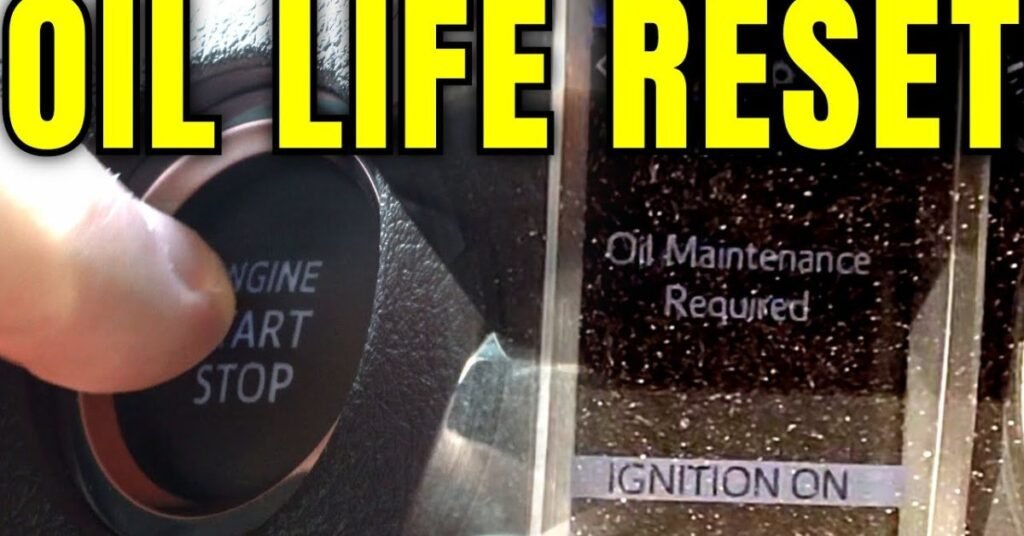
Check that the oil change has been completed. Make sure the correct type and amount of oil has been added. It is also a good idea to inspect for any leaks.
Keep your vehicle manual nearby if possible. Different car models use different reset methods. Reading the instructions can make the process faster and easier.
How to Reset Oil Light
Turn the ignition key to the “On” position without starting the engine. Locate the reset button or use the dashboard controls. Follow the instructions shown on the display screen.
On many vehicles, you can access the maintenance menu through the dashboard settings. Find the oil life or service option. Select the reset function and confirm your choice.
After resetting, turn the ignition off and then start the vehicle. Check the dashboard to see if the oil light is gone. If the light remains on, repeat the steps or check the vehicle manual.
Dashboard
The dashboard gives important information about your vehicle. It shows warning lights, fuel levels, and maintenance reminders. The oil light is one of the most common alerts drivers see.
Many modern vehicles allow you to reset the oil light through the dashboard menu. You can use the steering wheel buttons or control panel to access these settings. The exact steps may vary by vehicle model.
Always pay attention to dashboard warnings. They help you spot problems before they become serious. If the oil light returns after a reset, it may be a sign that your vehicle needs further inspection.
Methods
There are several ways to reset the oil light. The method depends on the make and model of your vehicle. Some cars use dashboard menus, while others use buttons or pedals.
A common method is to turn the ignition on and press the gas pedal three times. Many older vehicles use this process. After a few seconds, the oil light may reset automatically.
Newer vehicles often have a digital display. You can open the settings menu and find the maintenance section. From there, select the oil life option and reset it according to the on-screen instructions.
Comparison Table
Different vehicle brands use different oil light reset methods. Some vehicles use dashboard menus, while others require button combinations. The table below shows common reset methods used by popular car brands.
Always check your owner’s manual before resetting the oil light. Steps may vary between models and years. Use this table as a general guide to understand the most common methods.
| Vehicle Brand | Reset Method | Difficulty Level | Time Required |
| Toyota | Use dashboard settings and select oil maintenance reset | Easy | 1–2 Minutes |
| Honda | Press and hold the trip or reset button | Easy | 1–2 Minutes |
| Ford | Use steering wheel controls and reset through settings | Easy | 2–3 Minutes |
| Chevrolet | Press the gas pedal three times with ignition on | Easy | 1 Minute |
| Nissan | Access maintenance menu and reset oil service | Easy | 2 Minutes |
| Hyundai | Use the user settings menu on the dashboard | Easy | 2–3 Minutes |
| Kia | Open service interval menu and choose reset | Easy | 2–3 Minutes |
| Volkswagen | Hold the reset button while turning on ignition | Medium | 2 Minutes |
| BMW | Use the service menu through the instrument cluster | Medium | 3–5 Minutes |
| Mercedes-Benz | Navigate through the service menu and confirm reset | Medium | 3–5 Minutes |
| Audi | Access vehicle settings and reset service reminder | Medium | 3–4 Minutes |
| Subaru | Use maintenance settings on the display screen | Easy | 2 Minutes |
Mistakes
One common mistake is resetting the oil light before changing the oil. This can make it hard to track your next service. Always complete the oil change first.
Many drivers use the wrong reset steps for their vehicle. Different brands and models have different procedures. Following the wrong method may not clear the light.
Some people ignore the oil light if it stays on after a reset. This could be a sign of low oil or a sensor problem. If the light does not go away, inspect the vehicle or seek professional help.
Conclusion
Resetting the oil light is a simple task that most drivers can do on their own. It helps keep your vehicle’s maintenance records accurate. Following the correct steps can save time and prevent confusion.
Always make sure the oil change is completed before resetting the light. Check your vehicle manual if you are unsure about the process. With proper maintenance and regular oil changes, your vehicle can stay reliable and run smoothly for years.
FAQs
1. Why is my oil light still on after an oil change?
The oil light may stay on if the maintenance system was not reset. Follow the correct reset procedure for your vehicle.
2. Can I reset the oil light myself?
Yes, most vehicles allow you to reset the oil light without special tools. You can usually do it through the dashboard or reset button.
3. Is it safe to drive with the oil light on?
It depends on the reason. If it is only a maintenance reminder, it is usually safe. If it indicates low oil pressure, stop driving and check the vehicle.
4. How long does it take to reset the oil light?
In most cases, it takes only one to five minutes. The exact time depends on your vehicle model.
5. What should I do if the oil light will not reset?
Check your owner’s manual and repeat the steps carefully. If the light remains on, there may be a sensor or engine-related issue.
No Responses